Collection
Gothic Halloween II
- 13 pages
- 30 colors
- .procreate + PDF · PNG · SVG
- iPad · Android · print
Thirteen Gothic Nights, Painted in Gouache
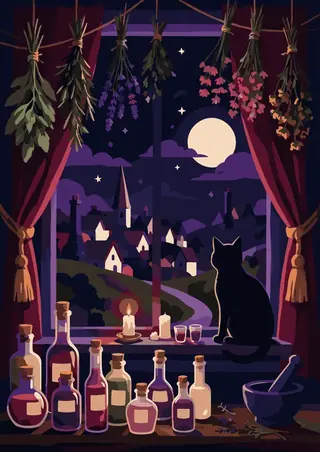
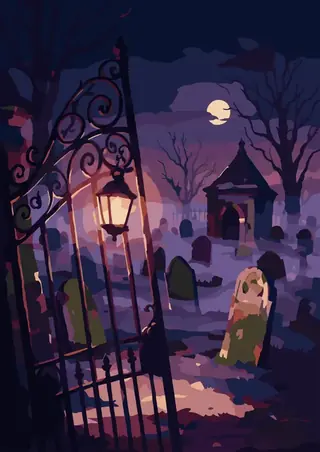
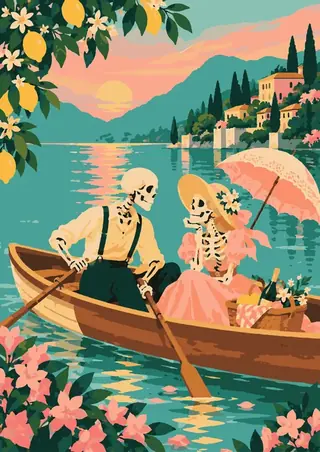
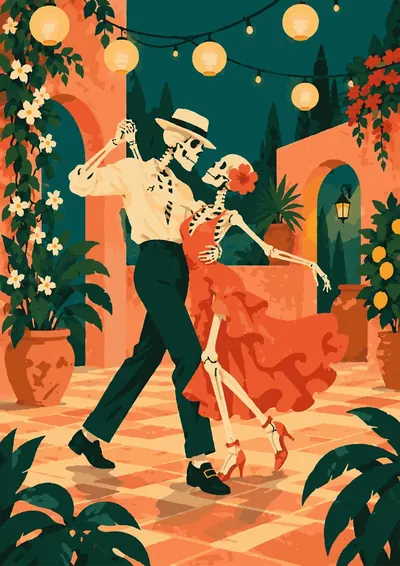
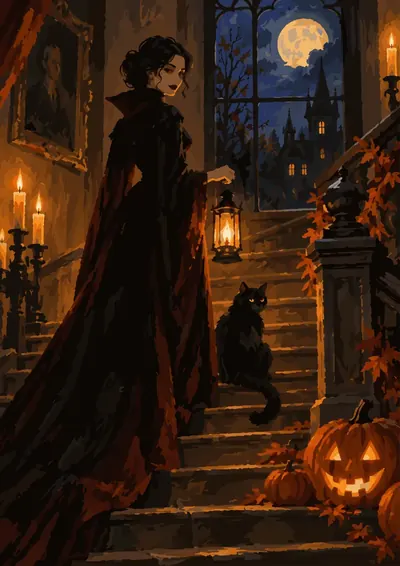
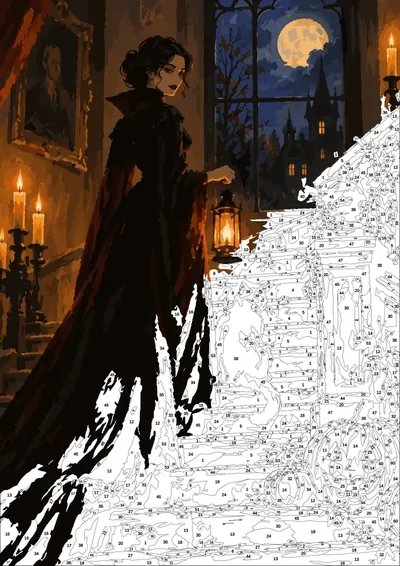
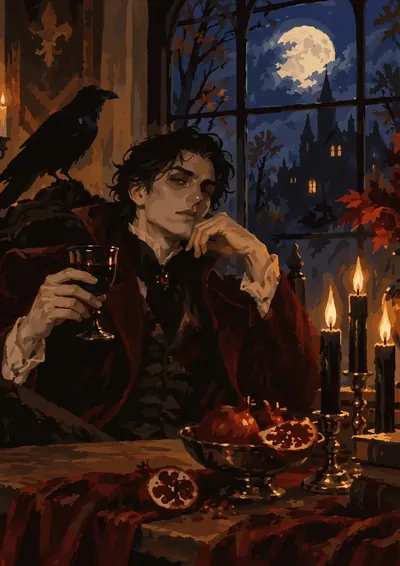
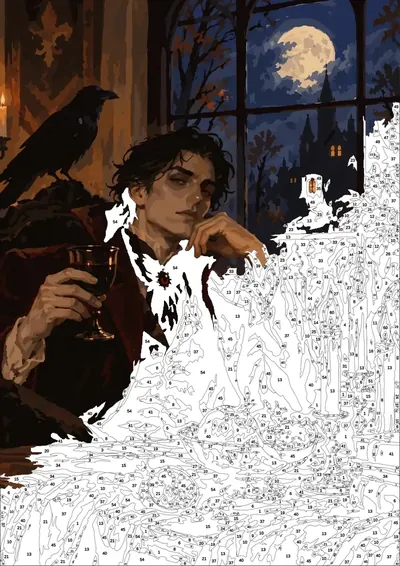
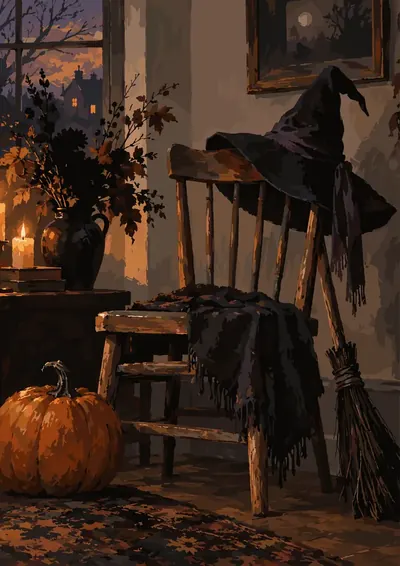
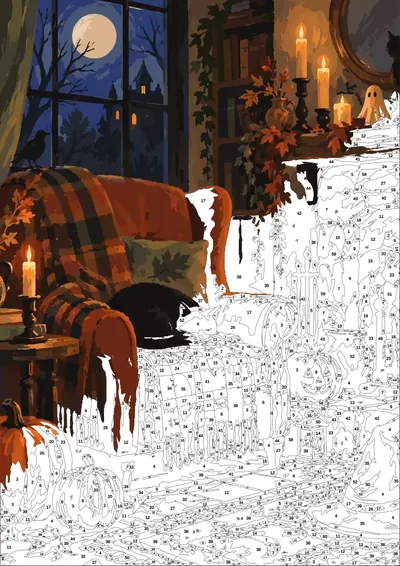
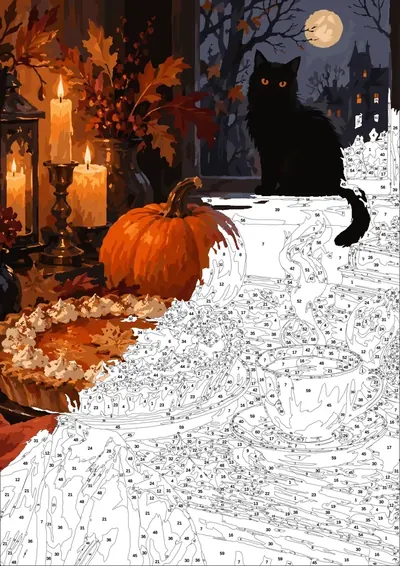
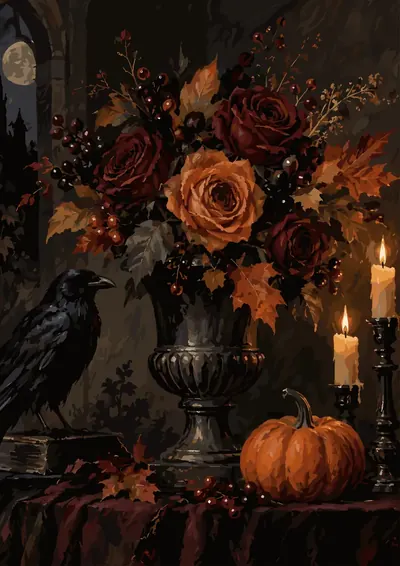
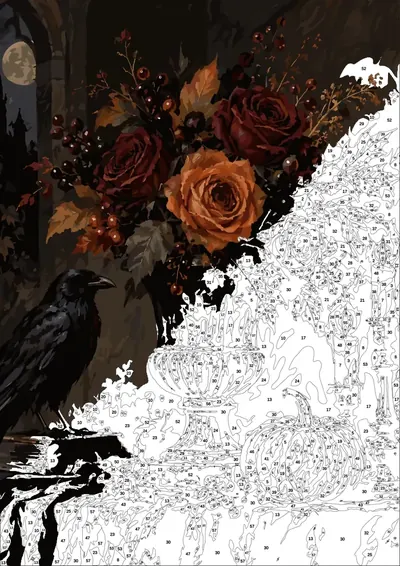
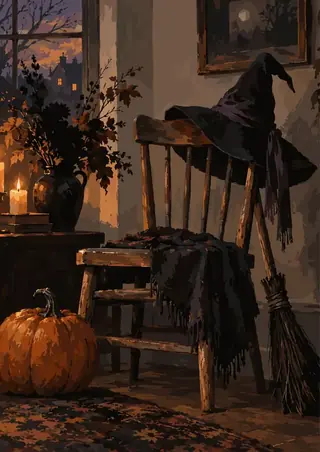
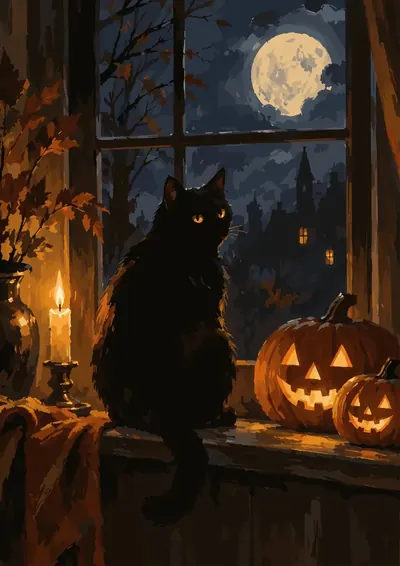
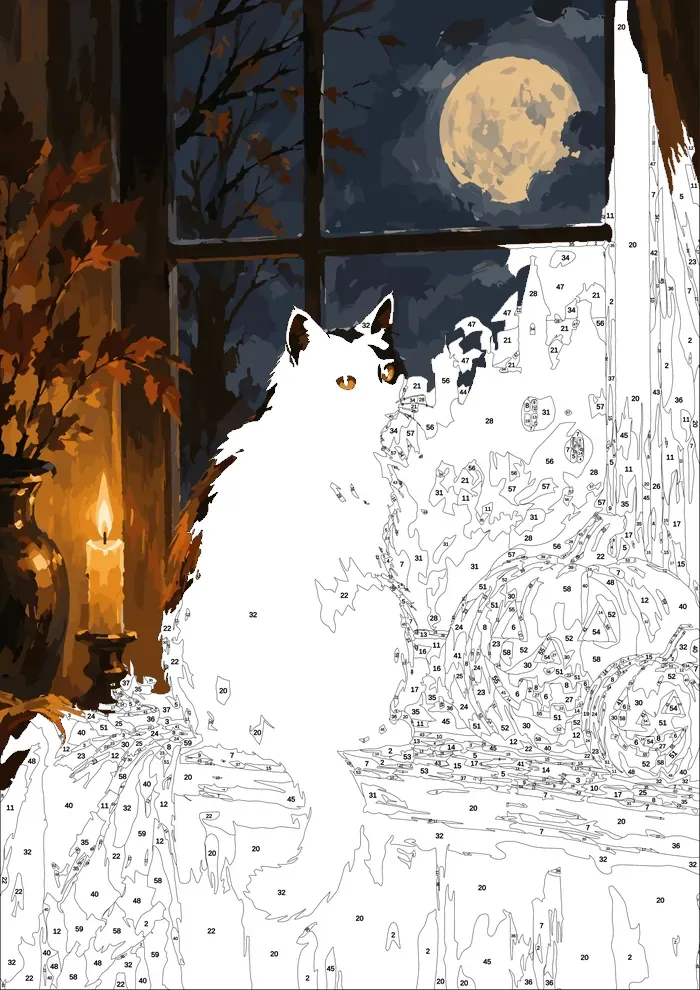
Inside are thirteen gothic scenes to bring to life one colour at a time: a black cat on a moonlit windowsill, a witch's hat left on a chair, a ghost watering the greenhouse, roses and a raven by candlelight, a vampire raising a glass, a lady with a lantern on the stairs. Deep plum, black iron and candlelight - the kind of evening Halloween is actually for.
Instant digital download · checkout on Etsy for now · nothing is shipped
Inside: 13 pages
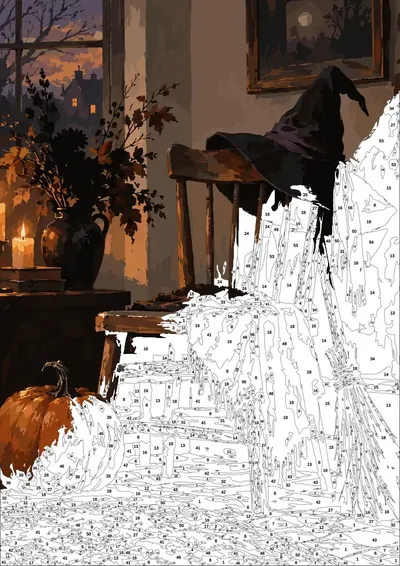
[ 1,167–3,530 numbered regions per page · tap a page to see it bigger ]
-
Midnight Windowsill
1,507 regions 60 colors Detailed
-
Roses and the Raven
2,627 regions 60 colors Expert
-
Witch's Chair
2,173 regions 60 colors Detailed
-
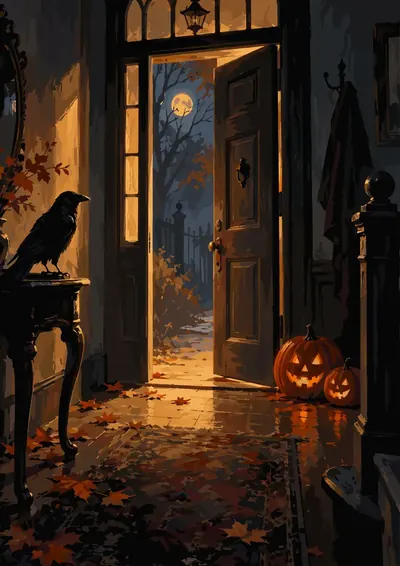
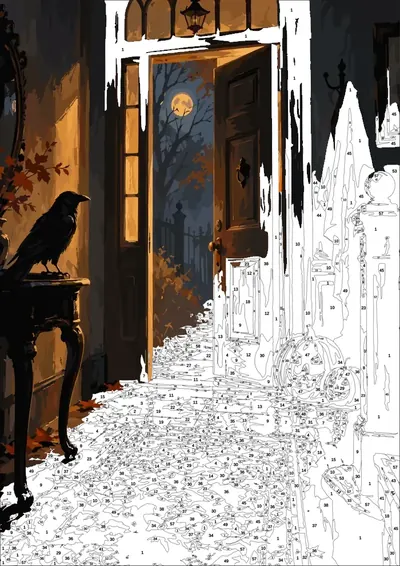
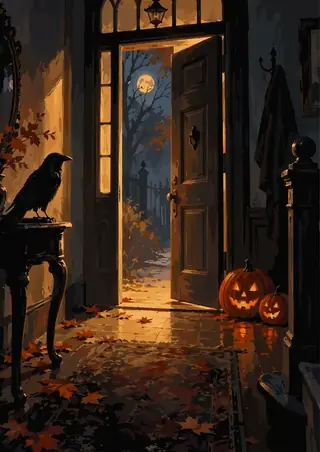
the Open Door
2,059 regions 60 colors Detailed
-
Skull on the Mantel
3,006 regions 60 colors Expert
-
Ghost in the Greenhouse
2,627 regions 60 colors Expert
-
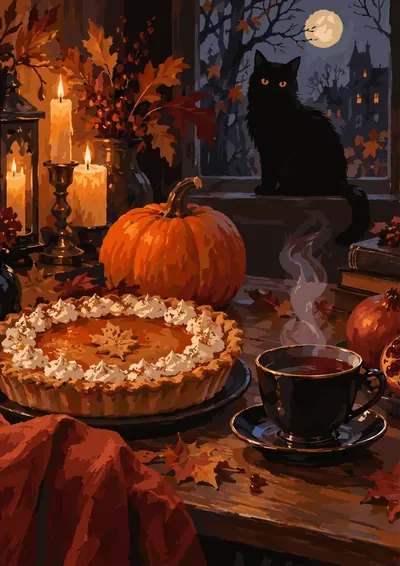
Pie and Coffee
2,677 regions 60 colors Expert
-
Lady with the Lantern
1,167 regions 60 colors Detailed
-
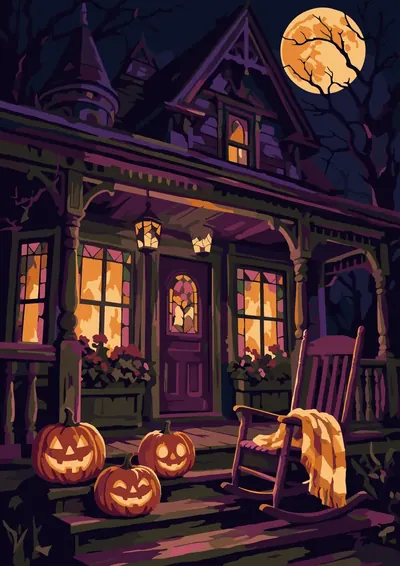
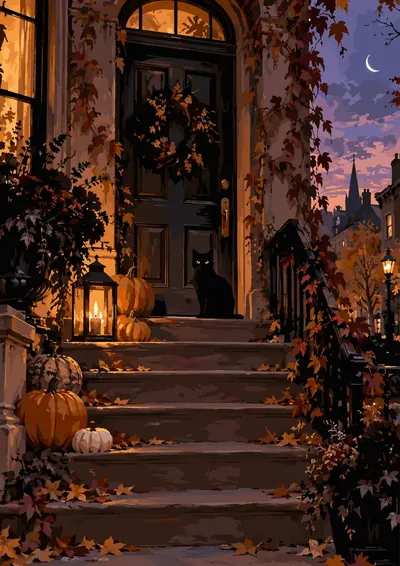
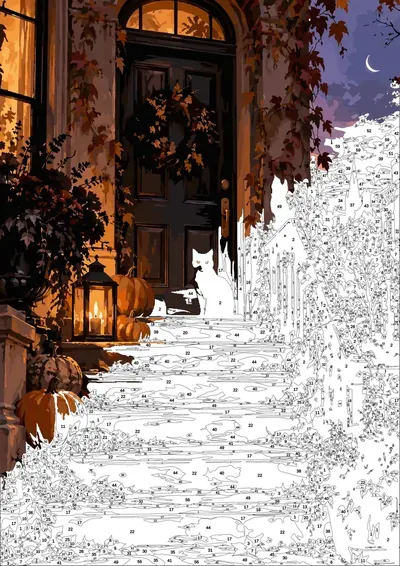
the Front Steps
3,530 regions 60 colors Expert
-
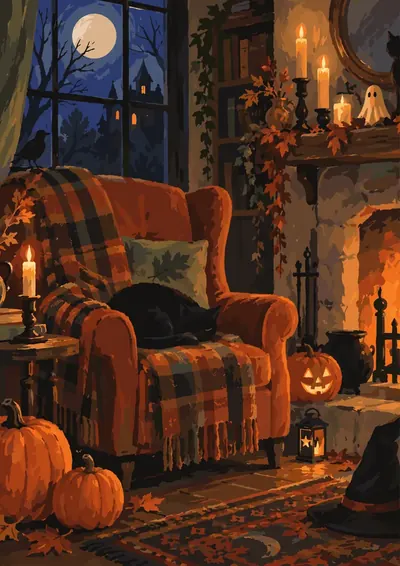
Fireside Armchair
2,120 regions 60 colors Detailed
-
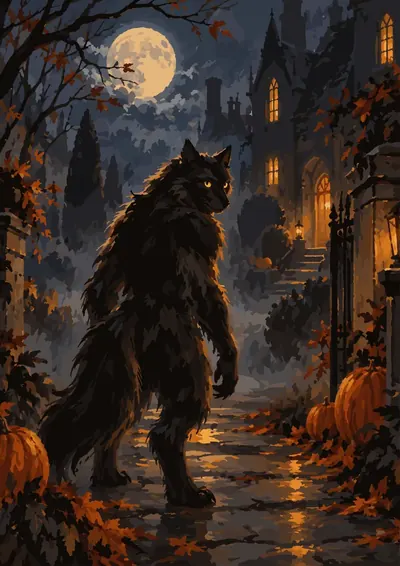
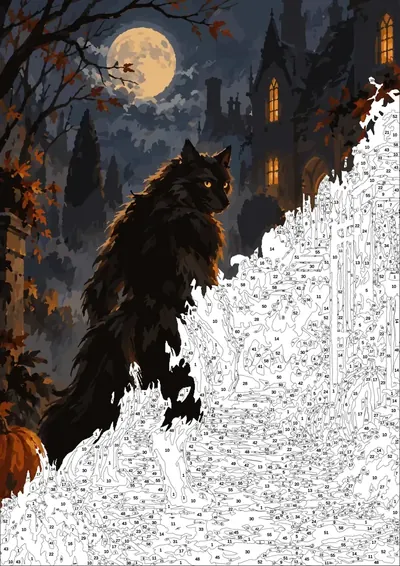
Night Prowler
2,614 regions 60 colors Expert
-
the Vampires Toast
2,145 regions 60 colors Detailed
-
the Vampires Stair
1,990 regions 60 colors Detailed
What's in the file
- 01
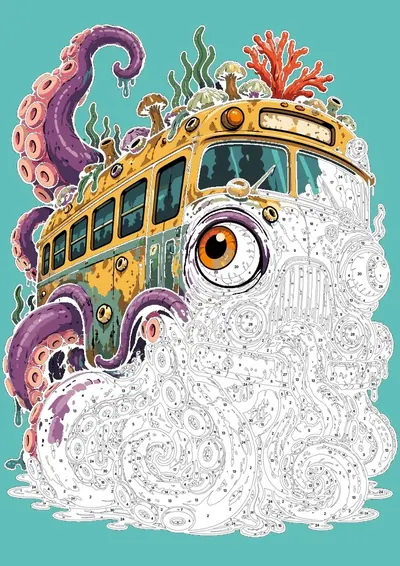
Ready .procreate file
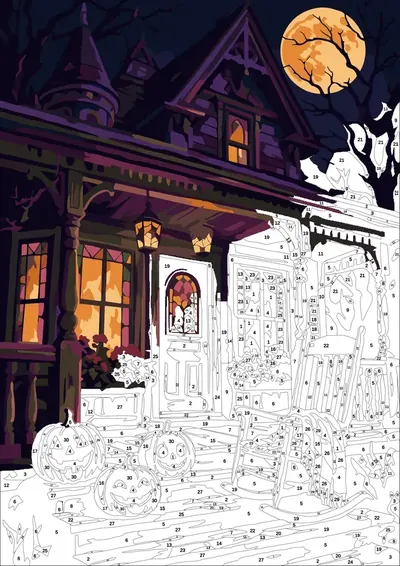
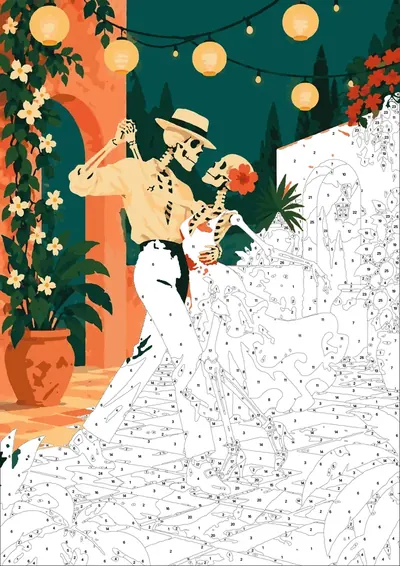
Layers set: the scheme locked on top, a layer to paint on, numbers in red and black.
- 02
Paper texture
A real paper layer on top, so it looks like gouache, not a flat screen.
- 03
Palette in one tap
A numbered .swatches palette — tap once and it's in Procreate.
- 04
Final check layer
A hidden finished picture to compare against when you're done.
- 05
Android & print
No iPad? Open the PNG in ibis Paint X, Infinite Painter or Sketchbook. Or print the PDF — 300 DPI, A4 and US Letter.
How it works
- 1Buy and download — the files arrive instantly.
- 2Tap the .procreate file on your iPad — Procreate opens it with every layer in place. On Android, open the PNG in your drawing app.
- 3Pick a number, pick its colour, paint. Or print the PDF and paint on paper.