Collection
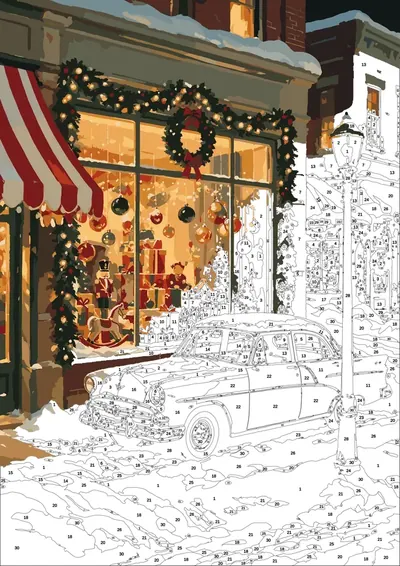
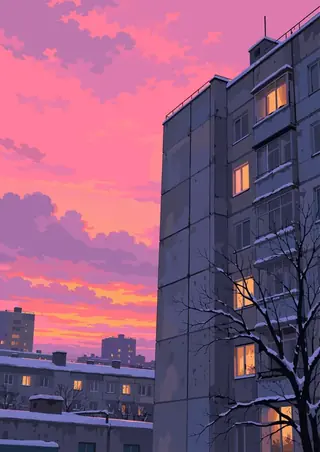
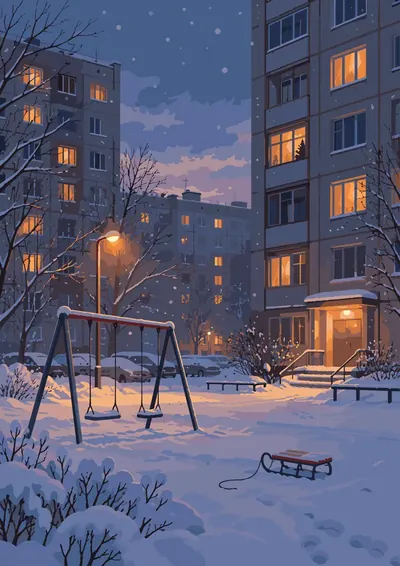
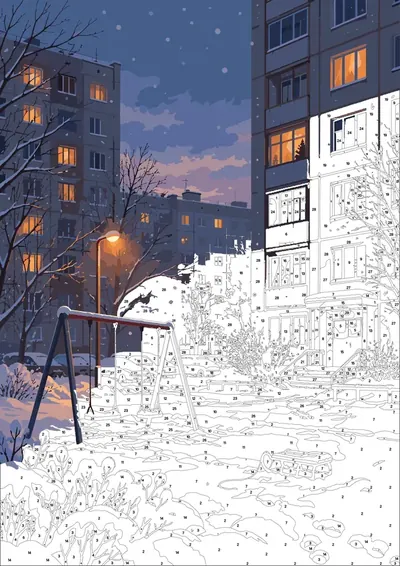
Cozy Cottage Street
- 16 pages
- 30 colors
- .procreate + PDF · PNG · SVG
- iPad · Android · print
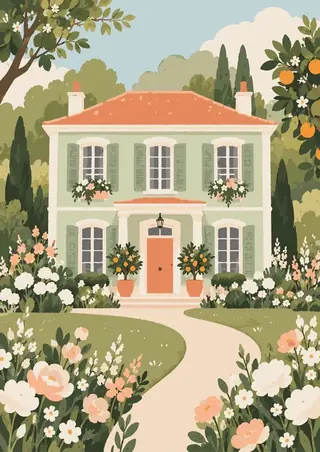
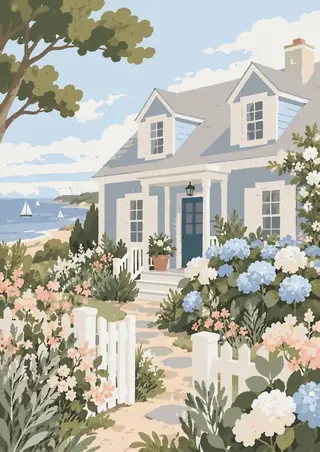
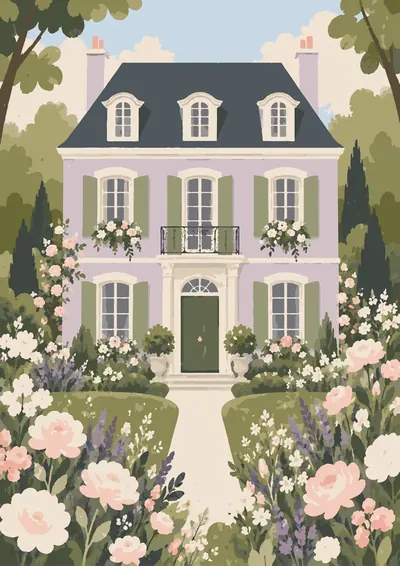
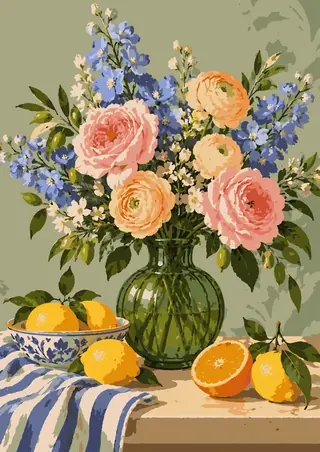
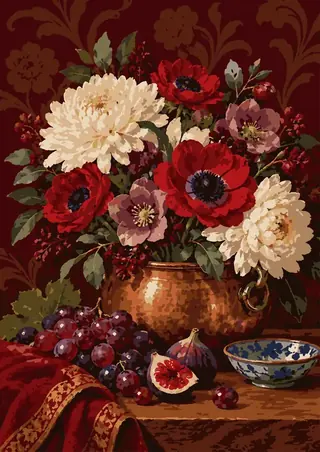
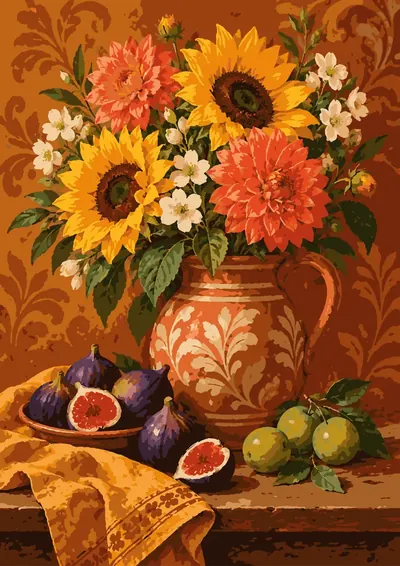
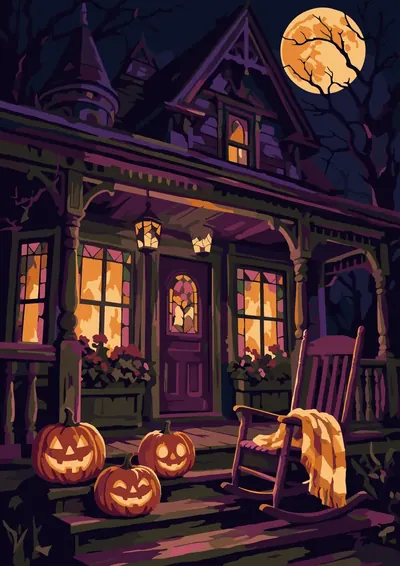
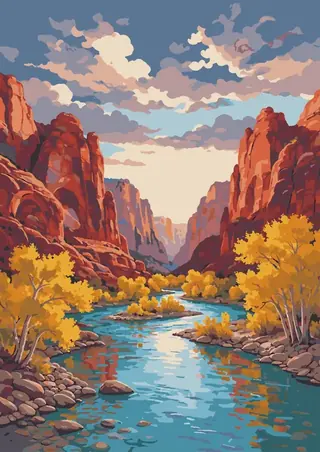
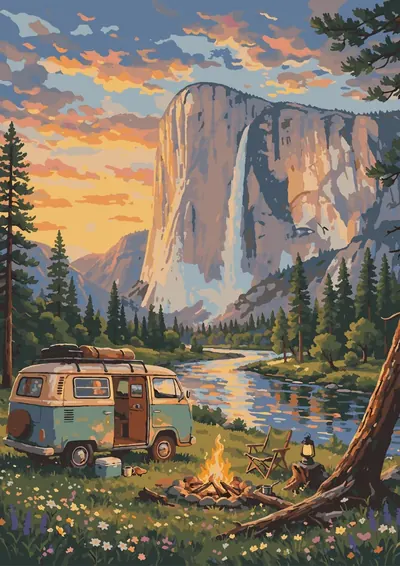
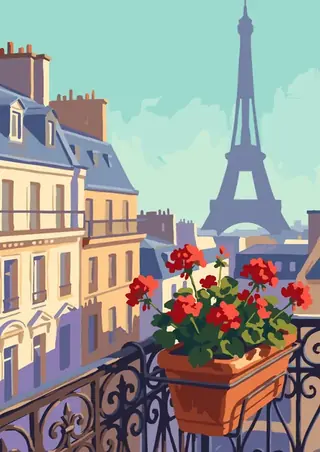
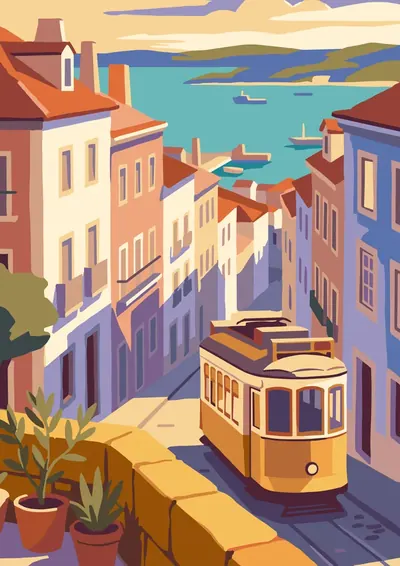
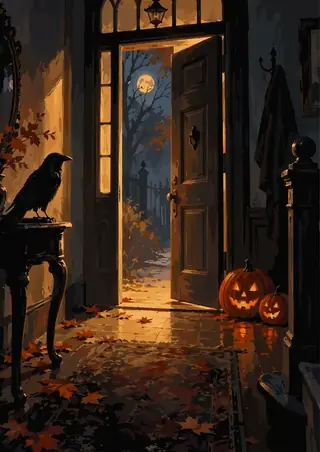
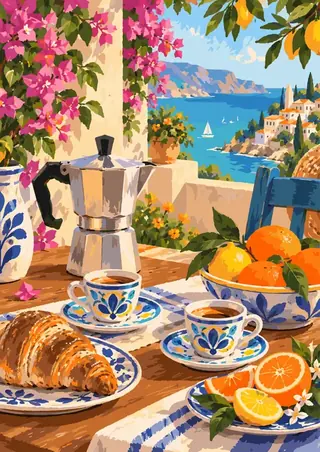
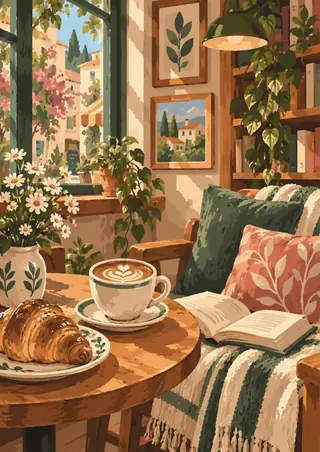
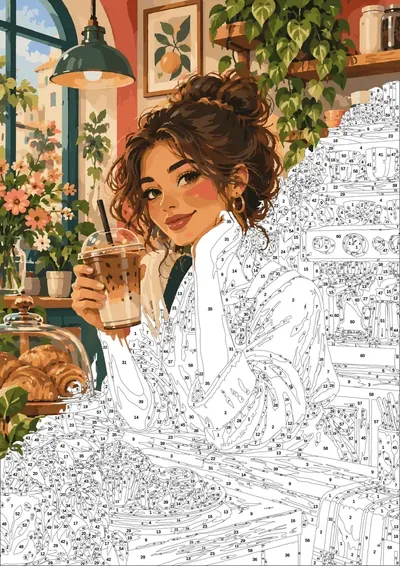
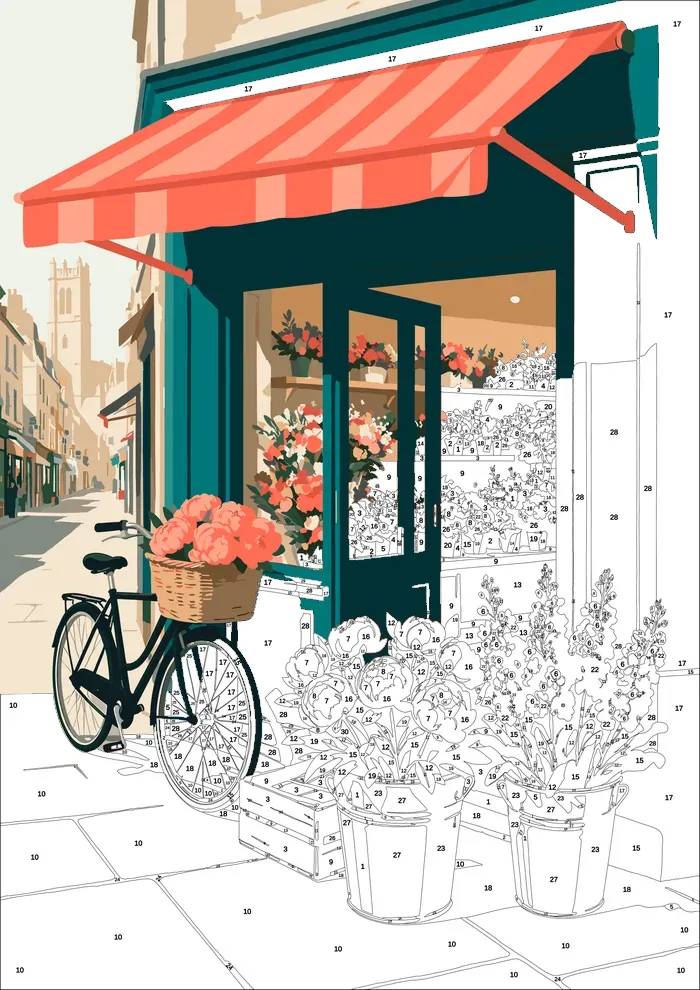
Inside are sixteen cottage-garden corners to bring to life one colour at a time: a flower shop under a striped awning, a cat asleep in a bookshop window, washing drying over a meadow, a spiral staircase in an old library, a village seen from above, a winter gate in the snow, stone steps down to the sea.
Flowers, warm light and slow afternoons, one colour at a time.
Instant digital download · checkout on Etsy for now · nothing is shipped
Inside: 16 pages
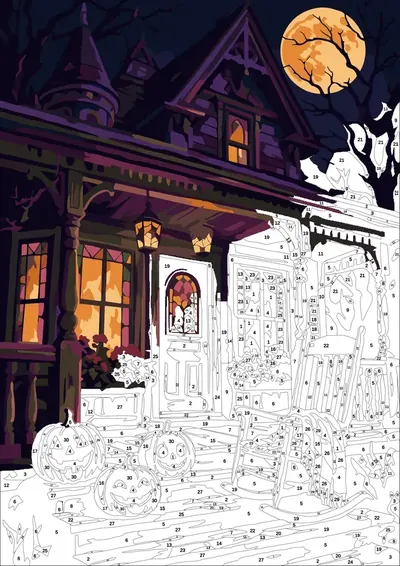
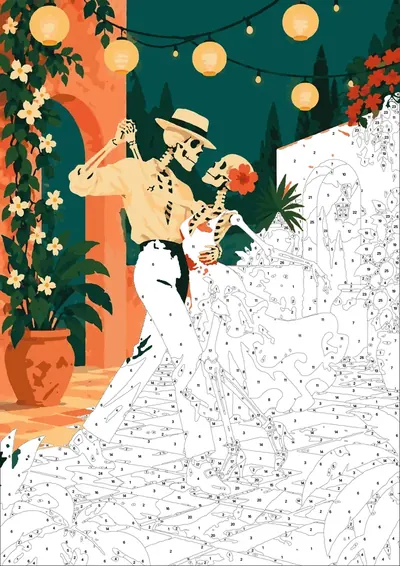
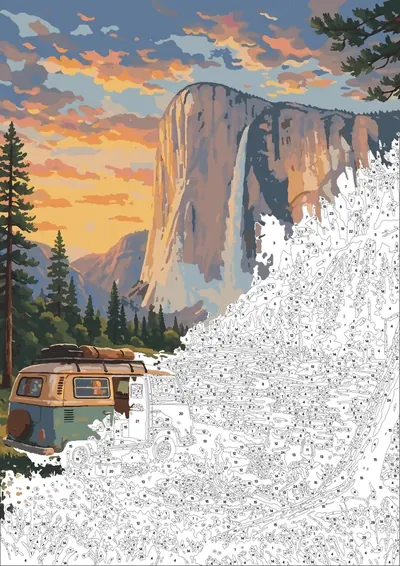
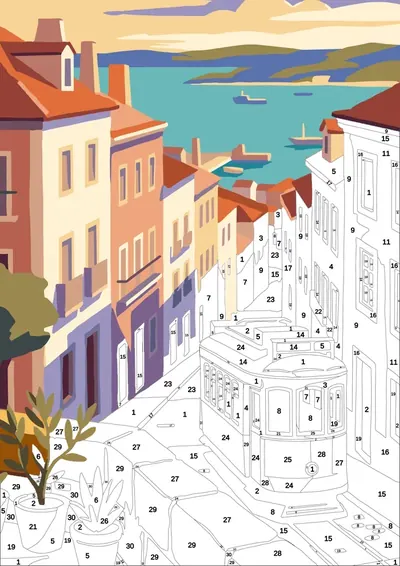
[ 814–3,203 numbered regions per page · tap a page to see it bigger ]
-
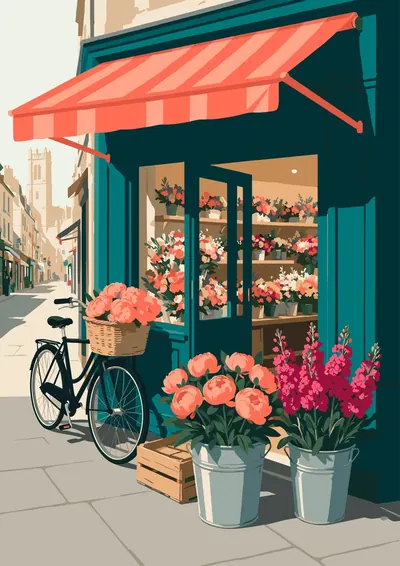
Flower Shop
1,471 regions 30 colors Detailed
-
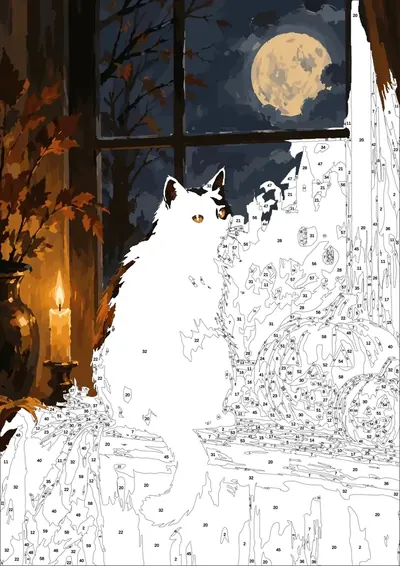
Bookshop Cat
814 regions 30 colors Relaxed
-
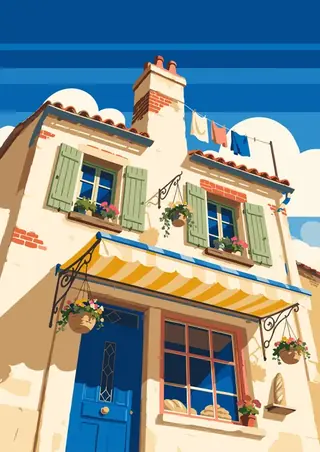
Bakery From Below
823 regions 30 colors Relaxed
-
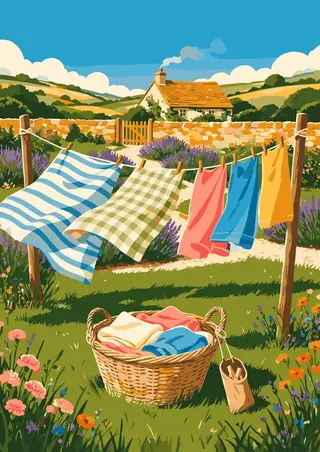
Laundry Garden
2,236 regions 30 colors Detailed
-
Porch Swing
1,378 regions 30 colors Detailed
-
Library Spiral
3,043 regions 30 colors Expert
-
Village From Above
3,203 regions 30 colors Expert
-
Cottage Kitchen
1,079 regions 30 colors Detailed
-
Autumn Market
2,158 regions 30 colors Detailed
-
Winter Gate
1,120 regions 30 colors Detailed
-
Mediterranean Arch
1,179 regions 30 colors Detailed
-
Canal Boats
2,038 regions 30 colors Detailed
-
Greenhouse
2,033 regions 30 colors Detailed
-
Bicycle
916 regions 30 colors Relaxed
-
Veranda
1,676 regions 30 colors Detailed
-
Stone Steps Sea
1,355 regions 30 colors Detailed
What's in the file
- 01
Ready .procreate file
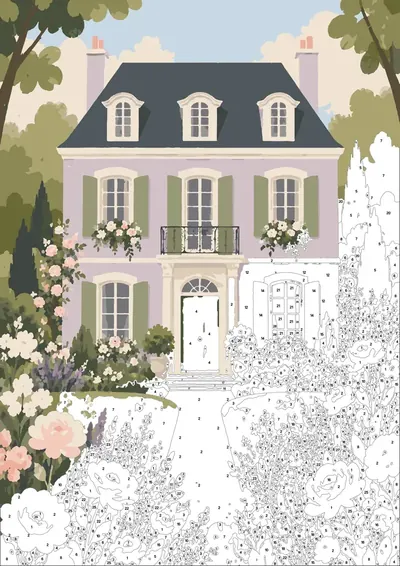
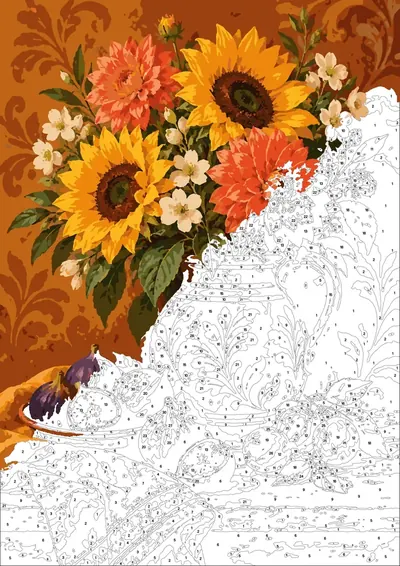
Layers set: the scheme locked on top, a layer to paint on, numbers in red and black.
- 02
Paper texture
A real paper layer on top, so it looks like gouache, not a flat screen.
- 03
Palette in one tap
A numbered .swatches palette — tap once and it's in Procreate.
- 04
Final check layer
A hidden finished picture to compare against when you're done.
- 05
Android & print
No iPad? Open the PNG in ibis Paint X, Infinite Painter or Sketchbook. Or print the PDF — 300 DPI, A4 and US Letter.
How it works
- 1Buy and download — the files arrive instantly.
- 2Tap the .procreate file on your iPad — Procreate opens it with every layer in place. On Android, open the PNG in your drawing app.
- 3Pick a number, pick its colour, paint. Or print the PDF and paint on paper.